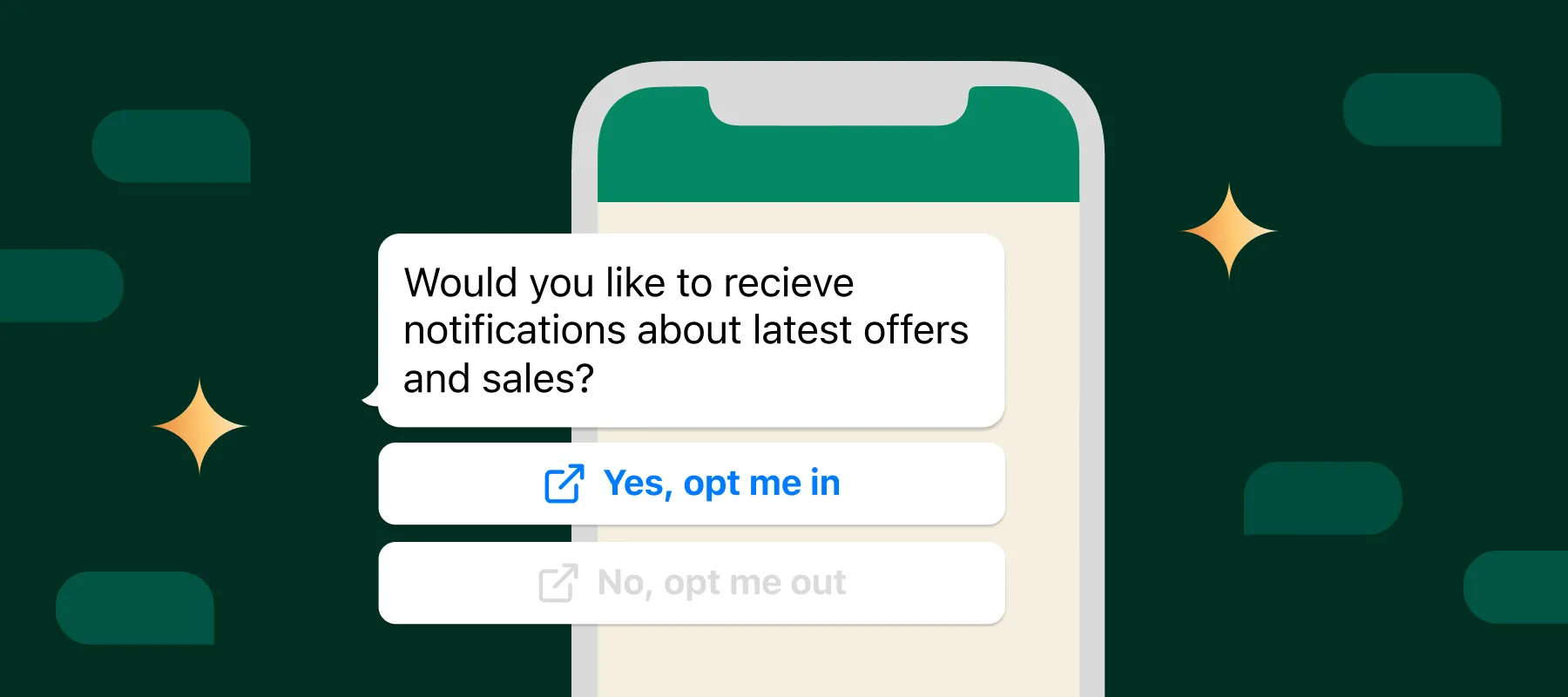
Opt-in is the expression by which a person agrees to receive a specific communication via WhatsApp; opt-out is the possibility to stop it. For marketing messages sent through WPP Marketing, the LEAVE option lets the recipient stop receiving new alerts and be added to the blacklist. A clear opt-out does not substitute for consent nor guarantee legal compliance, but it helps respect preferences, reduce complaints, and preserve the operational quality of the number.
What are opt-in and opt-out on WhatsApp?
Opt-in is the record that a person has agreed to receive a communication for an identified purpose. Opt-out is the mechanism by which they revoke or stop that preference. Opt-in and opt-out are parts of the same cycle: it is not enough to capture a contact; it is necessary to inform what will be sent and to respect when the recipient does not want to continue.
Permission to send an order update should not be automatically interpreted as unrestricted authorization for promotions. Likewise, accepting a content category does not imply consent to any frequency, subject matter, or sales call.
Applicable legal bases and requirements cannot be reduced to a universal checkbox. Country, purpose, relationship with the recipient and message type affect the analysis. WhatsApp Business’ Messaging Policy itself sets rules for opt-in, opt-out and platform use. The company should also assess the legislation in each market; this article provides operational guidance, not legal advice.
What should clear consent inform?
A person should be able to understand the communication before agreeing to it. The record should include, depending on context:
- Identity: which company will send the messages.
- Type and purpose: updates, offers, recommendations or another category clearly described.
- Channel: that the contact will occur via WhatsApp.
- Expected frequency: when there is a predictable periodicity or condition.
- How to stop: how to stop receiving the communication.
- Traceability: origin, date, text presented and context of the consent.
These elements help demonstrate what was communicated, but specific requirements vary. A technical record without context may not explain the purpose; a clear phrase without proof of origin may hamper auditability. The process must combine understandable information and operational evidence.
Where to collect opt-in?
Collection can occur at different points in the journey, provided the method suits the operation and applicable rules:
- store checkout or registration;
- a dedicated form with explicit purpose;
- customer-initiated support interaction;
- preferences page;
- an email or other channel campaign;
- documented confirmation during a conversation.
WPP Marketing does not modify the store checkout to add checkboxes or capture opt-in. The origin of the permission must be managed by the company in the store, form, support interaction or responsible system. Afterwards, the data used in customer segmentation must keep a link to the recorded purpose and preference.
Having a phone number because someone made a purchase should not, by itself, be treated as unlimited marketing permission. The context in which it was obtained needs to be compared to the intended use.
How does the LEAVE option work in WPP Marketing?
For marketing messages sent through WPP Marketing, the application automatically includes the LEAVEoption. It provides the recipient a path to stop new alerts covered by the unsubscription and triggers the inclusion of the number in the blacklist.
The option is a standardized opt-out element. It is not a link to a page, promotion, catalog or commercial action. Its text is not customizable, and the company should not plan message composition assuming exact control over visual format or line breaks across all devices and modalities.
In the Official API, the opt-out option must be treated as a standardized part of marketing messages and not as a removable item. This does not mean it will appear in every message sent by the platform: the statement here is limited to WPP Marketing's marketing messages.
Why does making opt-out easy help protect the operation?
When the recipient finds a simple way to record their preference, they can stop the communication without immediately resorting to reporting or blocking. This helps reduce negative feedback pressure on the account.
A clear opt-out also:
- helps preserve the number's operational quality and reputation;
- reduces the risk of complaints, restrictions and future bans;
- improves database hygiene by separating uninterested contacts;
- prevents investing further sends to people who requested interruption;
- helps comply with rules that require an unsubscribe option.
The QUIT option does not make blocks or reports impossible, does not guarantee template approval and does not ensure compliance. Content, source of the database, frequency, targeting, advertised product and responsiveness continue to affect operational quality.
What happens after someone triggers QUIT?
The contact stops receiving the messages covered by the unsubscribe and their number is added to the blacklist. Campaigns and flows must check and respect this block before new sends.
Reimporting the same list, renaming the segment or re-registering the contact should not ignore the preference. The opt-out must remain recorded in a traceable way, with date, origin and sufficient operational effect to review incidents.
The blacklist should not be seen as a temporary list to be cleared to expand reach. It represents a decision by the recipient that must be preserved in campaign, automation and support processes.
How to start receiving messages again?
Re-entry should occur only when the recipient themselves asks to start receiving communications again. A new purchase, site visit or list import should not be automatically interpreted as a request to resume.
When there is a request:
- record who requested it, when and in what context;
- confirm the category or purpose the person wants to receive again;
- access Customers > Blacklist in WPP Marketing;
- manually remove the corresponding number;
- preserve the record of the new request for traceability.
Do not bulk remove contacts from the blacklist and do not assume that a support request reactivates all marketing preferences.
Official API and QR Code connection: what changes?
In the Official WhatsApp API with CoEx, the opt-out option for WPP Marketing's marketing messages must be treated as standardized and non-removable. Templates, categories, quality and other channel rules remain subject to Meta's current conditions.
In the WhatsApp connection by QR Code, there may be an automatic notice with QUIT. That notice can be disabled when the corresponding configuration is available. The technical possibility of configuration does not eliminate the need to offer an appropriate opt-out nor authorize ignoring recipient requests.
The modalities should not be presented as legally equivalent. Infrastructure, product rules, support and risks are different. Confirm the account's current configuration and the obligations of the markets where the company operates.
Errors that increase reports and blocks
- buying lists or using contacts without a reliable source;
- obtaining consent with a vague purpose;
- sending at a frequency higher than the expectation created;
- continuing messages after opt-out;
- not clearly identifying the company;
- sending promotions unrelated to the contact's context;
- duplicating sends across automations and campaigns;
- artificially making unsubscribing difficult;
- improperly removing numbers from the blacklist;
- continue sending after a complaint or request to stop.
A single control does not compensate for an inadequate list. The EXIT option operates within a process that starts before sending and continues after the opt-out.
Checklist before sending a campaign
- Identify the source of the list: know how and when each group was formed.
- Confirm purpose and audience: verify that the message matches the recorded expectation.
- Remove the blacklist: ensure previous opt-outs are respected.
- Review targeting: check criteria, outdated data and overlapping audiences.
- Control total frequency: consider campaigns, automations and manual contacts.
- Confirm the opt-out option: validate the behavior of the mode used.
- Prepare support: forward responses to an inbox for the team.
- Define interruptions: stop flows after status change, incompatible response or opt-out.
- Track rejections: monitor opt-outs, blocks, reports and complaints when available.
- Document adjustments: record changes to list, content, frequency and rules.
Metrics to monitor
A responsible operation tracks performance and rejection indicators:
- opt-outs by campaign, segment and period;
- blocks and reports when data is available;
- messages sent, delivered and failed;
- responses and reasons for contact;
- accumulated frequency per person;
- size and evolution of the blacklist;
- performance by list source and segment.
An isolated drop in opt-outs does not prove improvement. It may reflect reduced volume, audience change or difficulty finding the opt-out. Analyze the rate relative to eligible contacts and compare it with delivery, blocks, responses, frequency and complaints.
How WPP Marketing supports responsible campaigns
WPP Marketing brings together segmentation, campaigns, the EXIT option in marketing messages, blacklist, inbox for responses, available reports and event-based automations. These controls help structure sending and opt-out, but they must be configured and operated with appropriate data, purpose and responsible parties.
For institutional data processing practices of the service, consult the WPP Marketing Privacy Policy. The company policy, the WhatsApp policy and applicable legal obligations have distinct scopes.
Frequently asked questions about opt-in, opt-out and EXIT
Is opt-in mandatory to send marketing via WhatsApp?
WhatsApp's policy requires the business to obtain applicable permission before contacting people. Method, notices and legal requirements depend on purpose and market; evaluate each operation without reducing the analysis to a checkbox.
Does the EXIT button appear in every message?
No. In WPP Marketing, the EXIT option described in this article is included in marketing messages, not indiscriminately in all message types.
Can I remove or change the text of the EXIT button?
The text is standardized and not customizable. In the Official API, it should not be treated as removable. In the QR Code connection, there may be a setting to disable the automatic notice when available.
What happens when the customer clicks EXIT?
The number is added to the blacklist and stops receiving messages covered by the unsubscribe. Campaigns and automations must respect this preference.
How does the customer start receiving messages again?
Only after a request from the recipient themself. Record the request and manually remove the number in Customers > Blacklist.
Does the EXIT button prevent blocks and bans?
No. It helps respect preferences and reduces operational risk, but it does not prevent reports, blocks, restrictions or bans.
Does WPP Marketing add a consent checkbox at checkout?
No. WPP Marketing does not modify checkout to create checkboxes or capture opt-in. The business must organize that collection at its own touchpoints.
Sources consulted
Sources consulted on August 22, 2026. Policies, settings and requirements may change; confirm current conditions before sending campaigns.
Treat opt-in and opt-out as the same process
A responsible campaign starts with a clear purpose and consent, controls frequency, offers an opt-out and preserves the blacklist until the recipient requests re-subscription. The STOP option supports this process but does not replace other controls. Want to segment your base, respect opt-outs and track campaigns on WhatsApp? Discover the WPP Marketing campaigns.